·5 min read
Preventive Maintenance Tracking for Small Manufacturers: Stop Fixing Machines Only When They Break
Paper logbooks and memory leave small factories, workshops and kitchens open to surprise breakdowns. Here is a simple digital setup, from equipment lists to QR checklists, with realistic costs and an honest look at when a shared spreadsheet is enough.
- preventive maintenance
- equipment maintenance
- manufacturing
- downtime
- qr code
- checklists
- operations
- sme
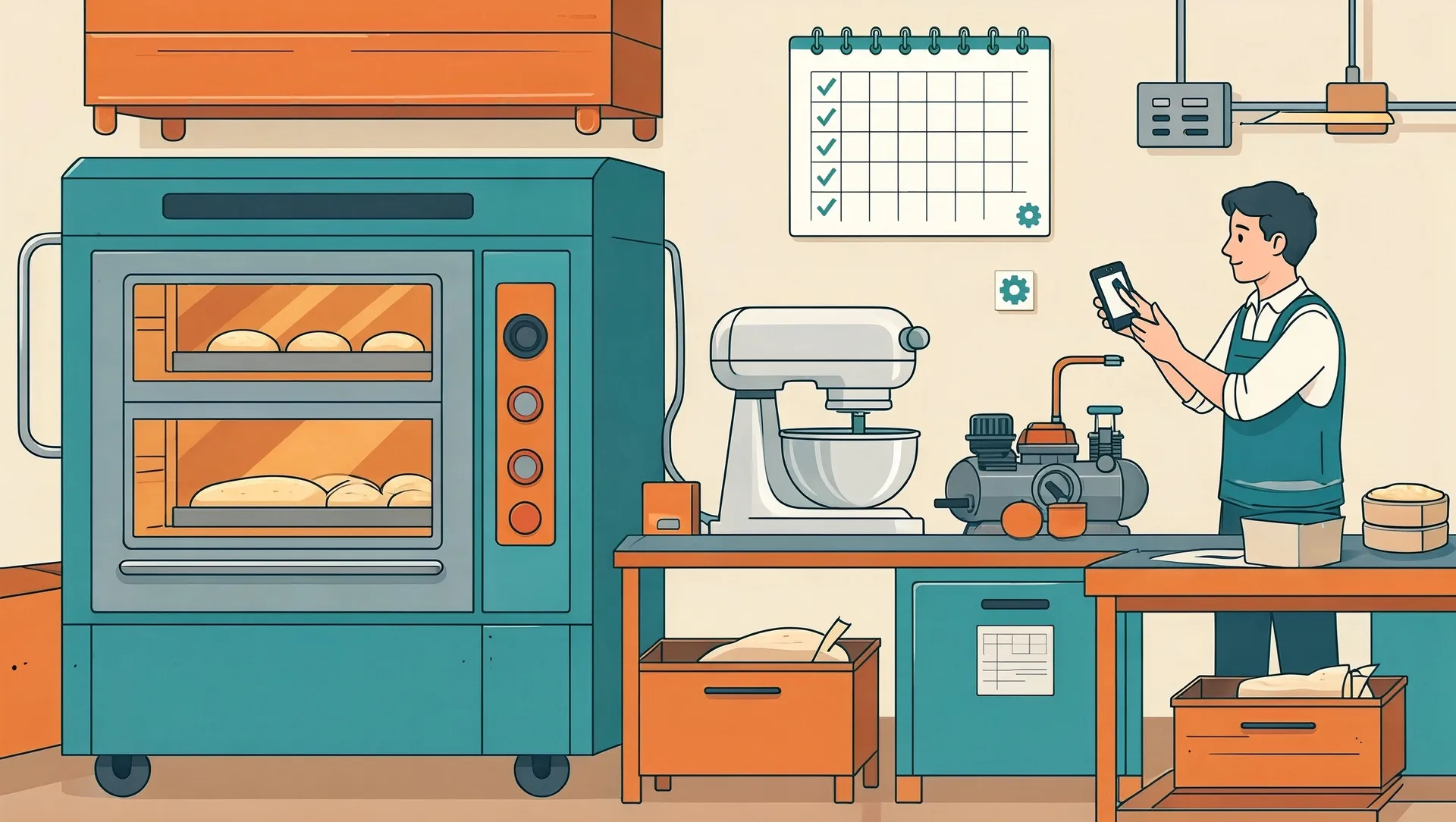
It is Saturday morning, orders are piling up, and the main oven, compressor or lathe suddenly stops. The technician is called, a part has to be ordered from Jakarta or Surabaya, and production is down for two days. In most small businesses this is not bad luck. It is what happens when maintenance lives in a dusty logbook or in one senior technician's head. Preventive maintenance tracking for small manufacturers does not need expensive software. It needs a clear list, a schedule and a habit of recording what was done. This post shows how to set that up and what it realistically costs.
Why fixing only when it breaks costs more than you think
The repair bill is only the visible part. When a machine fails without warning, you also pay for:
- Lost production: idle workers still get paid, and orders slip.
- Rush costs: express shipping for parts, overtime, or calling an outside technician at weekend rates.
- Bigger damage: a worn V-belt that costs around Rp150,000 to replace can overheat a motor that costs several million rupiah to rewind or replace.
- Lost customers: a bakery that cannot deliver to a cafe twice in one month may lose that cafe for good.
Preventive maintenance means doing small, cheap tasks on a schedule, such as cleaning filters, checking belts, greasing bearings and calibrating thermostats, so that big, expensive failures happen less often. It will not eliminate breakdowns, but in our experience it noticeably reduces the surprise ones.
What preventive maintenance tracking for small manufacturers actually needs
You do not need a big system with hundreds of features. A practical setup has five parts.
1. An equipment list
One row per machine: name, location, brand and model, serial number, purchase date, supplier contact and a short ID such as OVEN-02 or COMP-01. This alone often reveals machines nobody has serviced in years.
2. Service schedules
For each machine, list the recurring tasks and how often they are due: daily, weekly, monthly or every 500 operating hours. Start from the manufacturer manual, then adjust based on your technician's experience. A dough mixer in a busy bakery may need checks more often than the manual suggests.
3. QR-code checklists on phones
Stick a weatherproof QR sticker on each machine. When the technician scans it, their phone opens a short checklist for that exact machine: tick the tasks, note anything unusual, add a photo, submit. The record is saved with the date and name automatically. No more ticking a paper sheet at the end of the week from memory.
4. Spare-part records
Track the parts you keep in stock, such as filters, belts, seals, fuses and heating elements, with a minimum quantity. When stock drops below that level, someone reorders. Many long breakdowns are really waiting-for-parts problems.
5. Breakdown history
Every time something fails, record what broke, how long the machine was down and what it cost. After six months you will see patterns: which machine eats your budget, which part fails repeatedly, and whether it is time to replace rather than repair.
When a shared spreadsheet is still enough
Honestly, many small operations do not need custom software yet. A shared Google Sheet plus a free Google Form behind each QR code works well if:
- You have fewer than about 20 to 30 machines.
- One or two people handle maintenance.
- Everyone involved is reasonably disciplined about filling in the form.
- You only operate at one location.
The weaknesses show up as you grow. Reminders are manual or clunky, people accidentally overwrite cells, reports take effort to build, and spare-part stock does not update itself when a part is used. When the owner spends more time chasing the sheet than reading it, it is time to upgrade.
Realistic costs: three levels
These are rough ranges for Indonesian SMEs and will vary with your needs.
- Spreadsheet and forms: almost free. Google Sheets and Forms cost nothing; QR stickers cost a few thousand rupiah each. The real cost is a few days of your time to set up the lists and checklists.
- Ready-made maintenance apps: roughly Rp300,000 to Rp800,000 per user per month. Apps known as CMMS (computerised maintenance management systems) give you schedules, reminders, QR scanning and reports out of the box. Some have free tiers for very small teams. Downsides: monthly fees add up, many are English-only, and they may not fit your workflow exactly.
- A simple custom system: roughly Rp25 to Rp80 million to build, plus a few hundred thousand rupiah per month for hosting. Worth it when you have multiple sites, many machines, Indonesian-speaking technicians who need a very simple interface, or you want it connected to your existing inventory or production system.
A useful test: add up what unplanned breakdowns cost you last year in repairs, lost production and overtime. If it is a few million rupiah, stay with a spreadsheet. If it is tens of millions, a proper system usually pays for itself.
How to get started in 30 days
- Week 1: Walk the floor and build the equipment list. Give every machine an ID.
- Week 2: Write the service tasks for your five most critical machines, the ones that stop production when they fail.
- Week 3: Create one simple checklist form per machine, print QR stickers and train your technicians. Keep each checklist under ten items.
- Week 4: Start logging breakdowns and spare parts. At the end of the month, review what was done and what was missed.
Expand to the rest of your equipment only after the habit sticks. A small system that people actually use beats a perfect one that nobody opens.
Start small, then measure
Moving from memory to a simple tracking system is mostly about discipline, not technology. Start with your critical machines this month, and after three months compare your downtime and repair bills. If you want help deciding between a spreadsheet, an off-the-shelf app or a custom system, contact CodeWorks for a free consultation. We will look at your equipment and budget and give you an honest recommendation, even if the answer is to stay with a spreadsheet for now.