·6 min read
Cutting No-Shows and Double Bookings: A Practical Online Booking System for Service Businesses
Customers who never turn up and two customers booked into one slot are costing you money every week. Here is how an online booking system with deposits and automatic reminders fixes both, what it costs, and when a ready-made tool is enough.
- online booking
- appointment scheduling
- no-show
- service business
- whatsapp reminders
- deposit payment
- automation
- sme
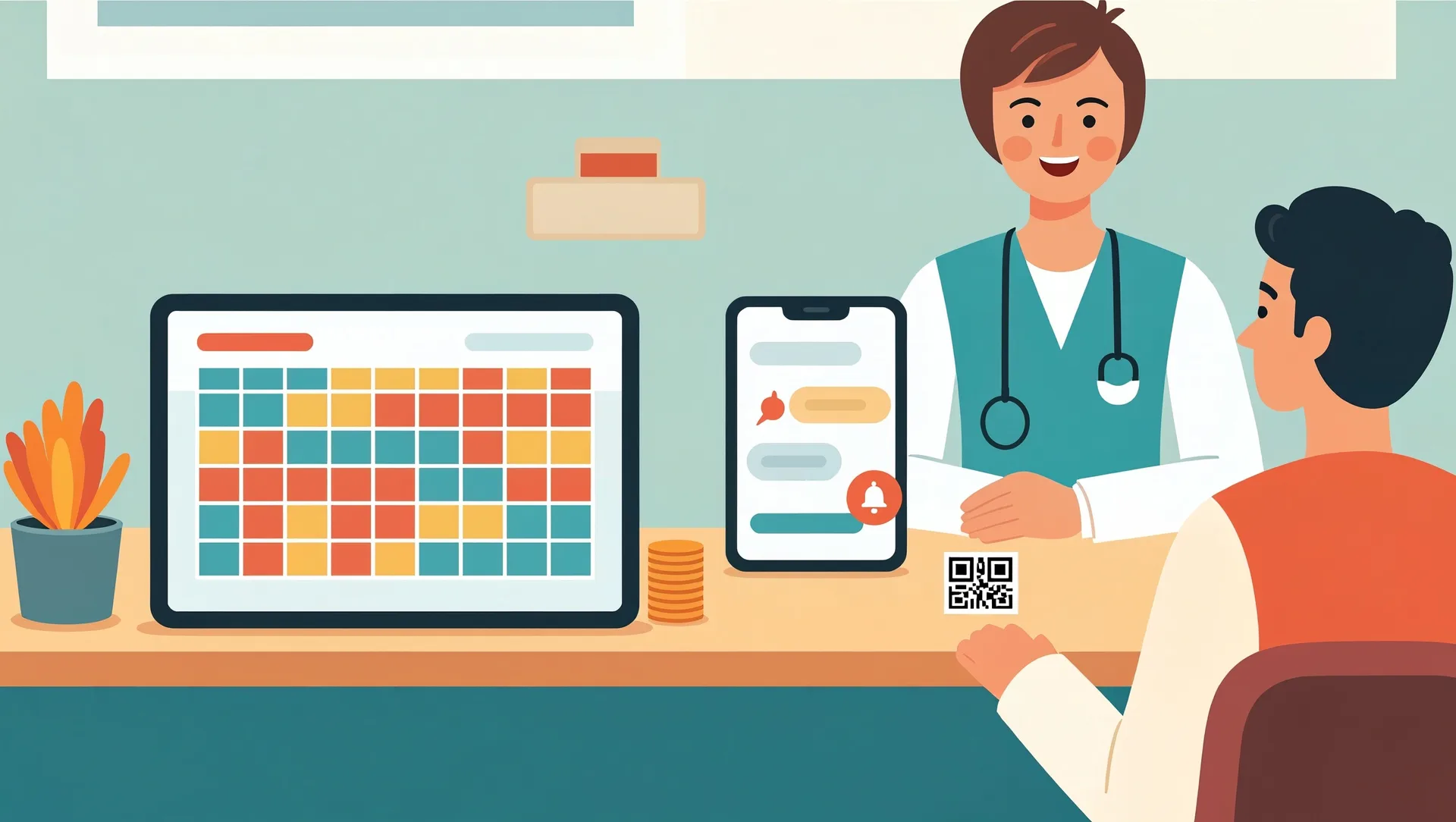
If you run a clinic, salon, car workshop or tutoring centre, you probably know the routine. Bookings arrive by phone, WhatsApp and walk-in. Someone writes them in a book or a spreadsheet, and every week a few customers simply do not show up. Now and then two customers arrive for the same slot because the bookings were taken on two different phones. An online booking system for service businesses will not fix every problem. It does go straight at these two. This post explains how it works, what it realistically costs, and when you need something custom.
The real cost of no-shows and double bookings
Take a salon with three stylists and an average service of Rp 200,000. If four customers a week fail to turn up, that is Rp 800,000 a week, or more than Rp 3 million a month, in slots that earn nothing. It is often worse than that, because you may have turned other customers away to keep those slots free. In a car workshop, a no-show can leave a service bay and a mechanic idle for two hours.
Double bookings cost you in a different way. One customer waits, gets annoyed, and might leave a one-star review. Your staff spend the next hour apologising instead of working.
The causes are almost always the same:
- No single source of truth. Bookings sit in the owner's WhatsApp, the front desk phone and a paper diary, and nobody sees all of them at once.
- Booking is free, so it feels optional. When a customer has nothing at stake, cancelling by not turning up is easy.
- Reminders depend on memory. On a busy day nobody has time to message tomorrow's customers.
What an online booking system for service businesses actually does
A good system takes those three causes and handles each one directly.
One calendar for everyone
Every booking goes into the same calendar. That includes the ones customers make through your booking link and the ones staff take by phone or WhatsApp. The system only shows slots that are genuinely free for the right staff member or resource, such as a stylist, a dentist's chair or a workshop bay. Once a slot is taken, nobody else can book it. That alone ends most double bookings.
A small deposit
Ask for a deposit when the customer books. This can be a fixed amount such as Rp 50,000, or 20 to 30 percent of the service price, paid by QRIS, e-wallet or virtual account. The deposit is deducted from the final bill. Pair it with a simple rule, for example a full refund or free reschedule if they cancel at least 24 hours ahead. The amount does not need to be large. It just needs to make the booking feel like a real commitment.
Automatic reminders
The system sends a WhatsApp message the day before and again a couple of hours before the appointment, with options to confirm or reschedule. Customers who would have forgotten now remember. Customers who cannot come tell you early, and you can offer that slot to someone else.
In our experience, a deposit plus a reminder the day before often cuts no-shows by around half. Results depend on your customers and your prices, so measure your own numbers before and after.
What to automate and what to keep personal
Automation should take the repetitive work off your staff. It should not take the warmth out of your business.
Good things to automate:
- Showing available slots and confirming bookings
- Collecting deposits and sending receipts
- Reminders and simple rescheduling
- A short thank-you or review request after the visit
Things to keep personal:
- First consultations, where customers have questions before they commit
- Complaints and disputes about refunds
- Long-time regulars. Let staff book them in directly and waive the deposit if you like.
- Sensitive conversations, such as explaining a diagnosis or a large repair quote
Keep your WhatsApp. Many customers will still prefer to chat, and that is fine. What changes is that your staff enter those bookings into the same calendar instead of a private notebook.
Ready-made tool or custom build? Realistic costs
When a ready-made tool is enough
Ready-made booking apps typically cost somewhere around Rp 100,000 to Rp 600,000 a month, depending on the number of staff and locations. On top of that you pay payment gateway fees per transaction. If you use the official WhatsApp Business API for reminders, you also pay per-message fees, usually a few hundred rupiah per message depending on Meta's current pricing and your provider. Setup usually takes a few days: entering services, durations, staff schedules and your deposit policy.
This is usually enough if your services have fixed durations, you have one or a few locations, and your rules are simple.
When custom makes sense
A custom system is worth considering when your rules do not fit a standard app. For example:
- A workshop where a booking needs a free bay, the right mechanic and parts in stock
- A tutoring centre selling term packages with fixed weekly slots and make-up classes
- A clinic that needs bookings linked to patient records
- Several branches that need central reporting, or a link to your existing POS or accounting
A custom build for this kind of scope typically costs from roughly Rp 40 million to Rp 150 million, plus around Rp 1 to 5 million a month for hosting and maintenance. Do the payback maths honestly. If no-shows cost you Rp 3 million a month, a Rp 100 million system will take a long time to pay for itself. A sensible middle path is to start with a ready-made tool, learn what your business really needs, and build custom only when the tool clearly holds you back.
How to roll it out without upsetting your regulars
- List your services and real durations, including cleanup or buffer time between appointments.
- Write a short, fair deposit and cancellation policy that anyone can understand in ten seconds.
- Run it alongside your current method for two to four weeks. Staff enter every phone and WhatsApp booking into the new calendar.
- Share your booking link in your WhatsApp Business profile, Instagram bio and Google Business Profile.
- Tell regulars personally before they get their first automated message, so it does not feel cold.
- Compare no-show numbers from before and after, and adjust the deposit or reminder timing if needed.
Start simple this week. For the next two weeks, count how many customers do not show up and how many slots get double-booked, then multiply by your average service price. That number tells you how much a booking system is worth to you. If you would like help choosing between a ready-made tool and a custom build, send us those numbers and we will give you an honest recommendation.