·3 min read
Cybersecurity for Small Businesses: A Practical Baseline Against Ransomware and Phishing
You don't need a security team to stop most attacks. Here are the handful of measures, from backups that survive ransomware to two-factor login, that protect a small company from the threats it is most likely to face.
- cybersecurity
- ransomware
- backup
- umkm
- security
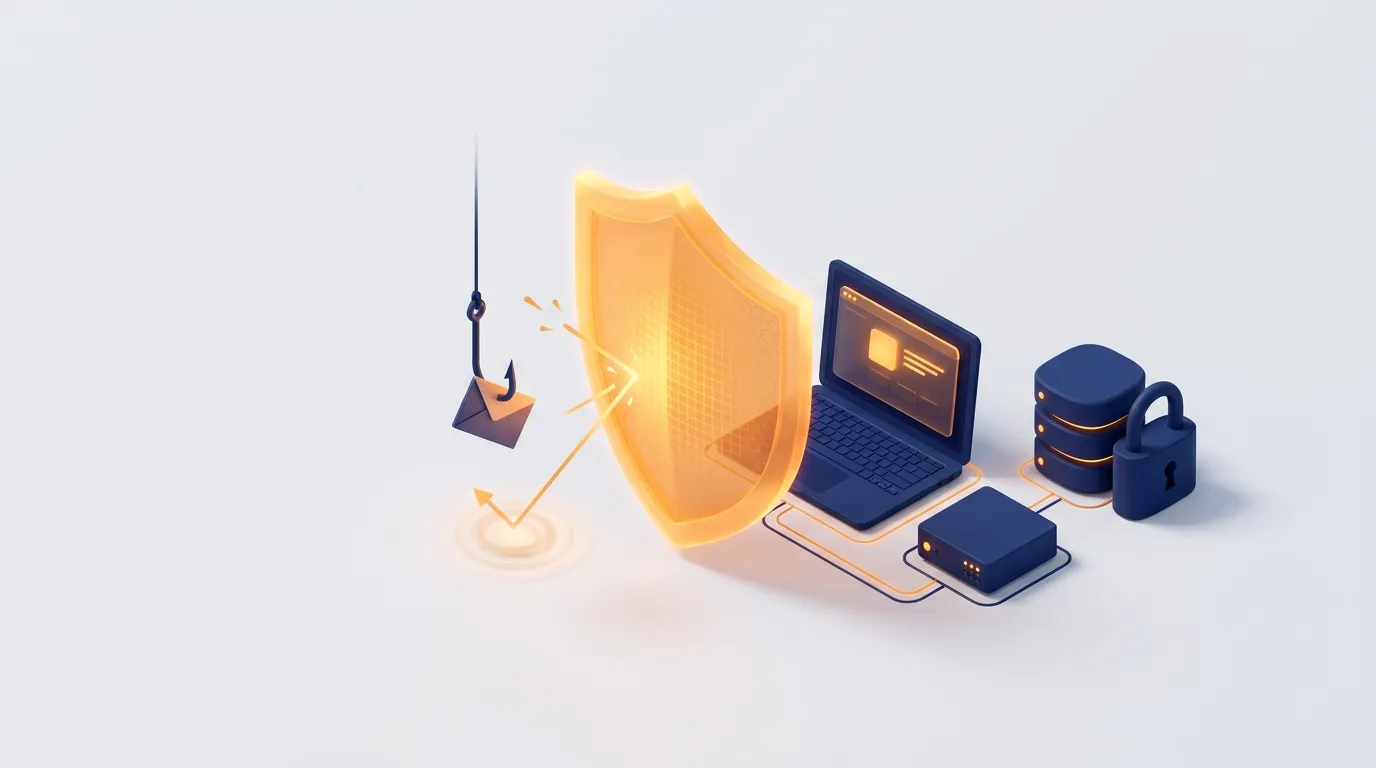
Many small business owners assume attackers only go after banks and big corporations. The numbers say otherwise. Indonesia's National Cyber and Crypto Agency (BSSN) recorded around 5.2 billion traffic anomalies in 2025, roughly 180 every second, and most were linked to malware activity that can lead to ransomware. Not every anomaly is a successful attack, but much of this traffic is automated scanning that does not care how big you are. It looks for any weak password or unpatched system it can find.
The good news is that a small number of measures stop most of what a small company will face.
A lesson from 2024: backups decide the outcome
In June 2024, ransomware known as Brain Cipher encrypted Indonesia's Temporary National Data Centre (PDNS 2) in Surabaya, disrupting services for hundreds of government agencies, including immigration, and the attackers demanded a ransom of about USD 8 million. One of the hardest lessons was about backups: the operator said it did not hold backups of the data, so recovery depended on whatever each agency had kept itself. Agencies with their own backups recovered; many others did not.
If that can happen to a national data centre, it can happen to a company file server. Ransomware is survivable when you can restore your data without paying.
The baseline
1. Backups that ransomware can't reach
Follow the 3-2-1 rule: three copies of important data, on two different types of storage, with one copy offsite. At least one copy should be offline or immutable, meaning it cannot be changed or deleted for a set period, because modern ransomware looks for connected backup drives and encrypts them too. Most importantly, test a restore every few months. A backup nobody has restored is a hope, not a plan.
2. Two-factor login everywhere it matters
Stolen passwords are behind a large share of break-ins. Turn on two-factor authentication for email, cloud storage, accounting software, banking, the domain registrar and any admin panel. An authenticator app is stronger than SMS codes.
3. Train people to spot phishing
Most attacks start with a message: a fake invoice, a "courier package" APK sent over WhatsApp, a login page that looks like your email provider. Agree on simple rules: never install apps sent in chats, check payment changes by phone, and report suspicious messages instead of deleting them quietly.
4. Keep everything updated
Windows, phones, routers, plugins, and the frameworks your website and apps are built on all receive security fixes. Turn on automatic updates where you can, and make sure someone is responsible for the rest. Earlier this year we patched a set of Next.js and React vulnerabilities on our own site within days of disclosure; unpatched systems are what automated attacks look for first.
5. Give people only the access they need
Staff should not use admin accounts for daily work, and shared logins should be replaced with personal ones. When someone leaves, remove their access the same day.
6. Protect the devices
Use the built-in antivirus and disk encryption on laptops, require screen locks on phones, and keep company data in managed cloud storage rather than scattered on personal devices.
7. Write a one-page incident plan
Decide in advance who to call, how to disconnect infected machines, where the backups are and who talks to customers. If personal data is affected, UU PDP requires written notice to the people affected within 3 x 24 hours, so the plan should cover that too. Our UU PDP checklist explains what that notice must contain.
What to ask of the software you buy or build
- Is login protected with two-factor authentication and role-based access?
- Are actions on sensitive data logged, so you can see who did what?
- Is data encrypted in transit and at rest, and are backups automatic and tested?
- Who applies security patches after launch, and how quickly?
That last question is where many small systems fall down, as we explain in what it takes to keep an app running after launch. If you would like a second pair of eyes on your company's systems, or need security built into a new one from the start, get in touch with CodeWorks.