·5 min read
Fixed Asset Register for Small Business: Tag Every Laptop, Machine and Vehicle, Track Depreciation and Stop Losing Assets
Most small businesses cannot say what equipment they own, who holds it or what it is worth on the books. This guide shows how to build a simple fixed asset register with QR tags, handover records, an annual check and the correct depreciation groups, without buying an ERP.
- fixed assets
- asset register
- depreciation
- penyusutan
- asset audit
- employee handover
- qr code
- sme
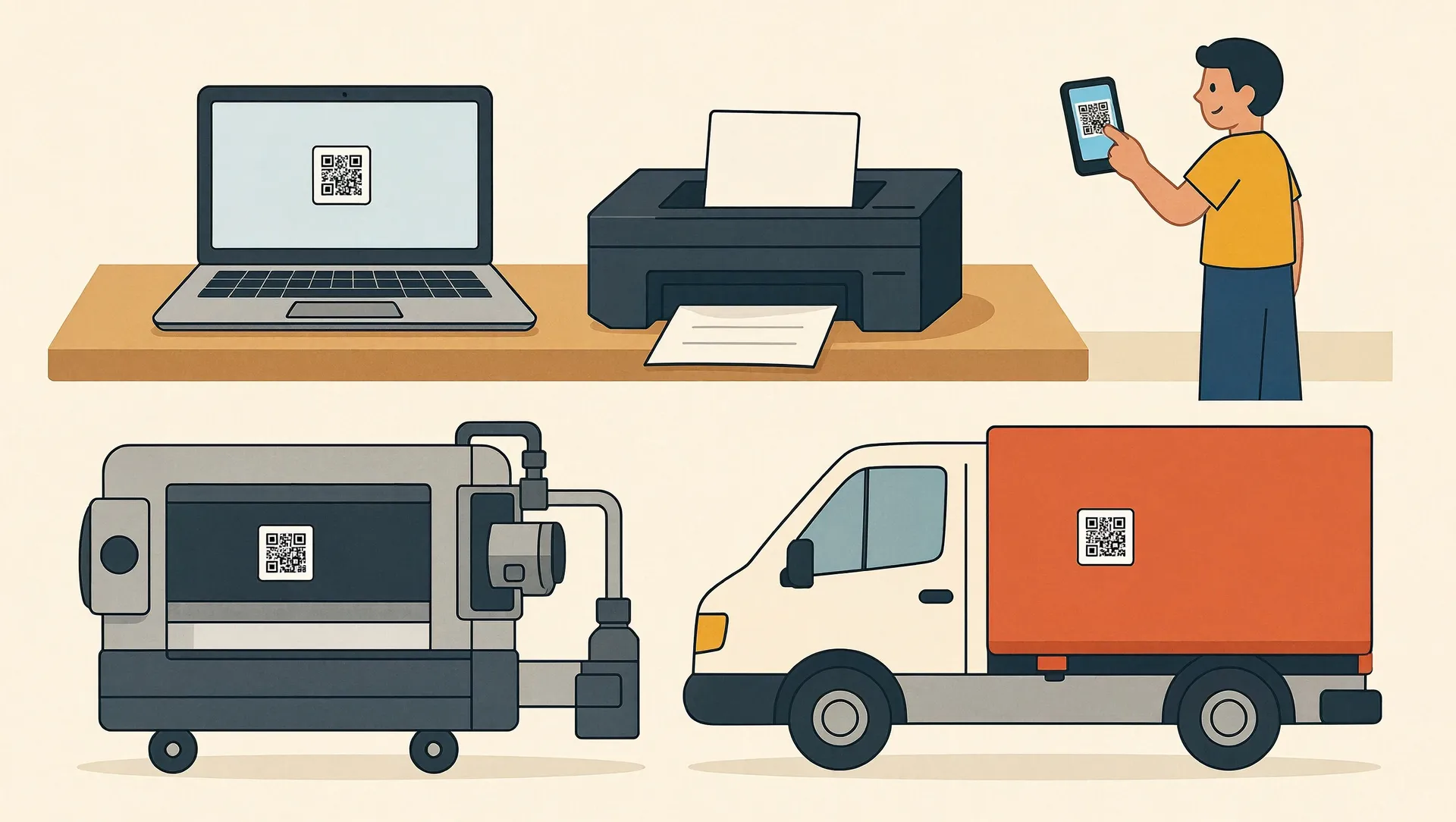
Ask most small business owners how many laptops the company owns, who has them and what they are worth on the books, and you will get a pause. Then a guess. Laptops leave with staff who resign, a drill disappears from the workshop, and at year-end your accountant estimates depreciation from old invoices. A fixed asset register for small business solves this: one list of everything valuable you own, who holds it, where it is and how it is being depreciated. You do not need an ERP to do it. A spreadsheet, QR labels and a few habits are enough for most companies with up to 50 staff.
What goes into a fixed asset register for small business
Start with a spreadsheet in Google Sheets or Excel. Each row is one asset. These columns cover what owners, admin staff and accountants actually need:
- Asset ID: a short code such as LPT-0012 (laptop), MSN-0003 (machine) or KND-0002 (vehicle).
- Description: brand, model and serial number. For vehicles, add plate number, chassis number and engine number.
- Purchase date and cost: include delivery and installation, because these are part of the asset value.
- Supplier and invoice number: so you can find the proof of purchase in seconds.
- Depreciation group (kelompok harta) and method.
- Location and current holder: branch, room or employee name.
- Condition and status: active, under repair, idle, sold or scrapped.
Decide on a threshold. For example: anything costing more than Rp2.5 million that lasts longer than a year goes into the register as a fixed asset. Cheaper items are expensed, but you can still tag the ones that tend to walk away, such as projectors or power tools. For a company of 10 to 30 people, the first full inventory usually takes one or two days of walking around and checking invoices.
Tag every asset with a QR code
A register only works if you can match a physical item to its row quickly. QR labels make that easy, and they cost very little.
- Assign the ID in the spreadsheet first, so numbers never get duplicated.
- Generate a QR code for each ID. The code can simply contain the asset ID, or a link to a form or a simple asset page. Free QR generators and spreadsheet add-ons can create hundreds at once.
- Print on durable labels. Use vinyl or polyester stickers, not paper, which peels and fades within months. A local printing shop typically charges around Rp1,000 to Rp3,000 per label; a label printer costs roughly Rp1.5 to 3 million if you tag often.
- Stick it where it will survive: the underside of a laptop, the inside of a machine door, the door frame or glovebox of a vehicle.
- Take a photo of each asset and link it in the register. It settles arguments about condition later.
If you want staff to scan and update records from their phones, low-code tools such as Google AppSheet can turn your spreadsheet into a simple app. Expect a per-user monthly fee once you go beyond testing.
Handover records when staff join, move or leave
Most asset losses happen at transition points. A simple handover record (berita acara serah terima) closes that gap. It should list the asset ID, description, condition, accessories (charger, bag, key), date, and signatures of both the employee and the admin or manager.
When someone joins
Hand over the laptop, phone or vehicle with a signed record, and update the holder column the same day. Attach the signed scan to the register row.
When someone changes role or branch
Do a quick return and reissue, even if the person keeps the same laptop. Location and cost centre may change.
When someone resigns
Make asset return a fixed step in your exit checklist, scheduled before the last working day. Check condition against the original record, back up company data, wipe the device and reset passwords. For vehicles, record the odometer and check the STNK and keys. Put the rules for lost or unreturned assets in your company regulations or employment contracts in advance, so nobody argues about it at the exit meeting.
Depreciation: use the right kelompok harta
For tax purposes in Indonesia, tangible non-building assets are grouped by useful life (Income Tax Law Article 11, with details currently in PMK 72/2023). Each group can use straight-line or declining-balance depreciation:
- Group 1: 4 years. Straight-line 25% or declining 50%. Examples: computers, laptops, printers, wooden office furniture, motorcycles.
- Group 2: 8 years. Straight-line 12.5% or declining 25%. Examples: cars, trucks, metal furniture, air conditioners.
- Group 3: 16 years. 6.25% or 12.5%. Mostly heavy machinery in specific industries.
- Group 4: 20 years. 5% or 10%. Heavy equipment such as large construction machines.
- Buildings: permanent 20 years (5%), non-permanent 10 years (10%), straight-line only.
Example: a laptop bought in March for Rp15,000,000, Group 1, straight-line. Annual depreciation is Rp3,750,000, or Rp312,500 per month. Tax depreciation starts in the month of purchase, so the first year covers 10 months: Rp3,125,000.
Two things to keep in mind. First, your commercial books (for example under SAK EMKM) may use different useful lives than the tax rules; the difference is handled through fiscal adjustments in the annual tax return. Second, when you sell or scrap an asset, remove it from the register and record the gain or loss. Always confirm the grouping of unusual assets with your accountant or tax consultant.
Run an annual asset check
Once a year, ideally in December so the numbers are ready for year-end closing, compare the register with reality:
- Export the register per location and assign one person per area.
- Scan each QR label, confirm the holder and note the condition.
- List anything missing, unlabelled or broken.
- Investigate missing items within two weeks: check handover records, ask the last holder.
- Write off confirmed losses with written approval from the owner, and update the books.
A 20-person company can usually finish in a day. Quick spot checks on laptops and phones every quarter catch problems earlier.
Your next step
Start small this week: ask your accountant for last year's fixed asset list, walk the office, and tag your 20 most valuable items. Add handover records for every new hire from now on. If your business outgrows the spreadsheet, for example with several branches or hundreds of assets, CodeWorks can build a simple asset app connected to your accounting system. Contact us and we will tell you honestly whether you need it yet.