·6 min read
Expiry Date Tracking for Distributors: Stop Writing Off Expired Stock
Expired stock is usually slow stock that nobody noticed in time. This guide shows how to record batches and expiry dates, enforce FEFO with barcodes, act on near-expiry alerts and trace recalls in minutes.
- expiry tracking
- batch tracking
- fefo
- warehouse
- distribution
- barcode
- stock write-off
- bpom
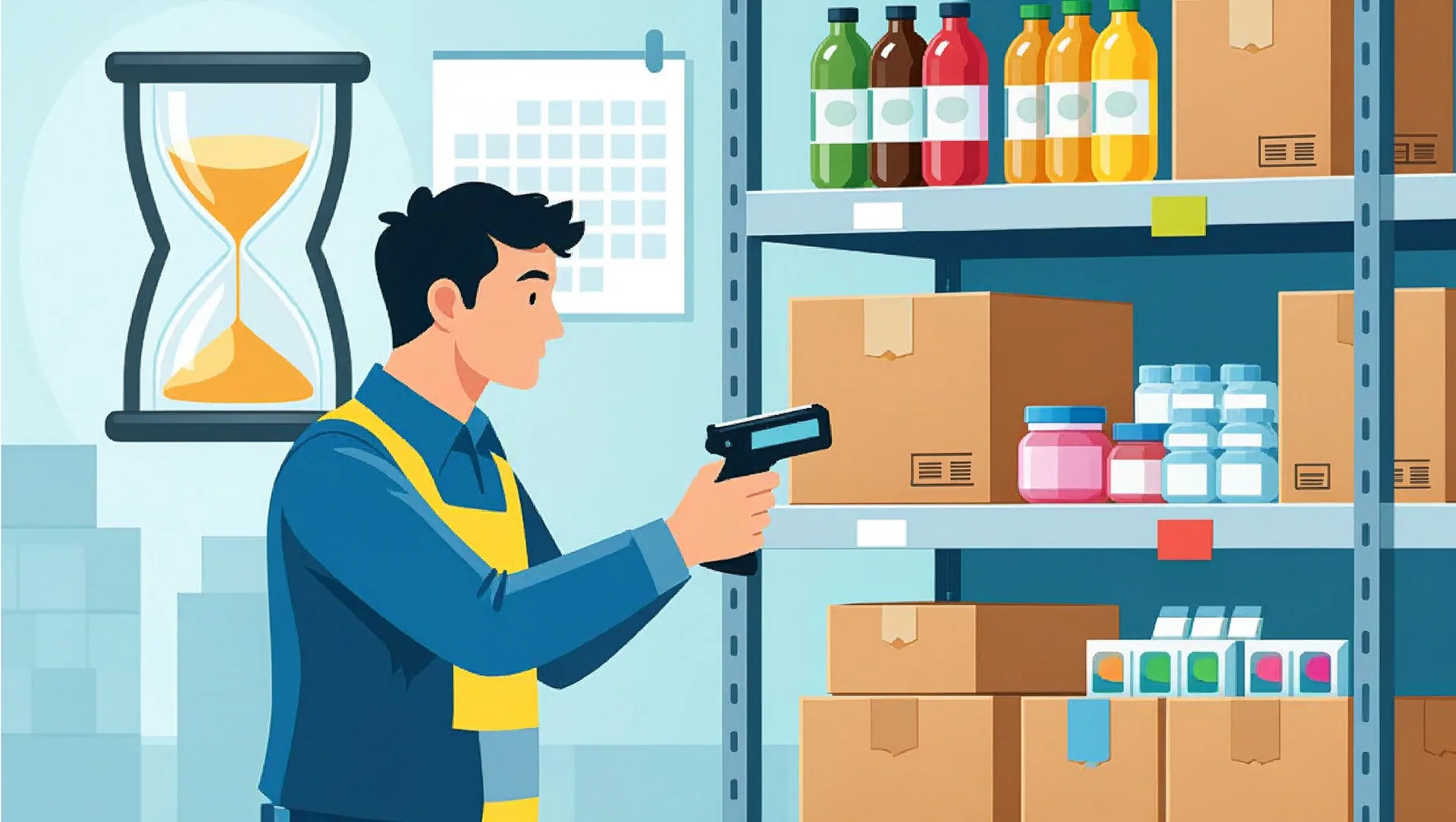
Every distributor of food, drinks, cosmetics or medicine knows the moment: someone finds a pallet at the back of the warehouse, and the dates on the boxes have already passed. That stock becomes a write-off, and sometimes you pay extra to have it destroyed. Expiry date tracking for distributors is not about fancy software. It is about recording two pieces of information already printed on the box, the batch number and the expiry date, and making sure your team actually uses them when they pick, sell and deliver.
Most small distributors run on FIFO, first in, first out, or more honestly on whatever is closest to the door. The problem is that goods do not always arrive in expiry order. A supplier can send a fresh shipment this week and older stock from their own warehouse next week. If your team picks by arrival date, the older batch sits and expires. Here are four practical steps, what they cost, and what BPOM-regulated businesses need to keep on file.
Step 1: Expiry Date Tracking for Distributors Starts at Goods Receipt
If the expiry date is not recorded when goods come in, no system can save you later. The rule is simple: no stock enters the warehouse without a batch number and expiry date in the system.
What to record for every incoming delivery
- Product (SKU) and quantity
- Batch or lot number, exactly as printed on the box
- Expiry date, plus production date if your customers ask for it
- Supplier, purchase order and delivery note number
- Storage location, for example rack B-03
Make it fast, or it will be skipped
Typing batch numbers by hand at the loading dock is slow and error-prone. Two options work well:
- Scan what the supplier provides. Many medicines and some food products carry a 2D barcode that already contains the batch and expiry date. One scan fills in both.
- Print your own label. If the product barcode only identifies the product, the receiving clerk enters batch and expiry once and the system prints a small label with an internal barcode for that batch. From then on, everyone scans the label.
Check remaining shelf life at receipt too. If your agreement says goods must arrive with at least 12 months left and a batch has only 7, that is the moment to reject or flag it, not three months later.
Step 2: Enforce FEFO Picking With Barcode Scans
FEFO means first expired, first out: always send the batch that expires soonest, regardless of when it arrived. Telling staff to do this is not enough, because busy pickers grab the easiest box. The system has to guide them and check them.
- When a sales order is confirmed, the system selects the batch with the nearest expiry date and shows the picker which location to go to.
- The picker scans the box. If it is the right batch, it is confirmed. If it is a newer batch while an older one is still in stock, the scanner warns them.
- The batch number is saved automatically on the delivery note and invoice.
The exception: customers with shelf-life rules
Supermarkets and modern retail chains often refuse goods with less than a set portion of shelf life left, commonly two-thirds. A good setup stores a minimum remaining shelf life per customer. Short-dated batches then go to traditional shops, pharmacies or outlets that accept them, instead of being rejected at a retailer's dock and shipped back at your cost.
Step 3: Near-Expiry Alerts That Give You Time to Act
Expired stock is rarely a real surprise. It is slow-moving stock that nobody looked at. Alerts turn a quarterly loss into a weekly decision. A practical schedule, adjusted to your products' shelf life:
- 180 days before expiry: the sales team reviews the list and pushes these batches first.
- 90 days: offer discounts or bundles, or request a return or swap from the supplier. Many principals only accept returns before a cut-off, so check your contracts.
- 30 days: stop offering to customers with shelf-life rules and decide on clearance.
- Expired: the system blocks the batch from sale and moves it to quarantine until it is returned or destroyed.
Sort the weekly report by value, not quantity. Ten cartons of an expensive serum matter more than two hundred packets of cheap snacks. Selling at 20 percent off on day 90 almost always beats writing off 100 percent on day zero.
Step 4: Trace Any Batch to Its Customers, and Keep BPOM Records
When a supplier or BPOM announces a recall, the question is: who received batch X, how many units, and when? Without batch data on your delivery notes, that means days of digging through paper. With it, it is a one-minute report. Run a practice recall once or twice a year: pick a random batch and time how fast you can list every customer and quantity.
What BPOM-regulated businesses should keep on record
Pharmaceutical wholesalers follow CDOB (Good Distribution Practice for medicines), and food and cosmetics businesses have their own BPOM traceability and recall rules. In practice, auditors expect to see:
- Receipt records with batch number, expiry date and supplier
- Distribution records showing which customer received which batch
- Records of returned, quarantined and destroyed goods, including destruction reports
- Recall procedures and evidence that you have tested them
- Storage condition records, such as temperature logs, where required
Details and retention periods differ by product type, so confirm them with your responsible pharmacist or regulatory advisor. The good news: a batch-tracking system produces most of these records as a side effect of daily work.
What It Realistically Costs
Prices vary, but for a small distributor these ranges are a fair starting point:
- USB or Bluetooth barcode scanner: Rp 300,000 to Rp 1.5 million each
- Android handheld scanner for pickers: Rp 3 million to Rp 8 million each
- Label printer: Rp 1.5 million to Rp 4 million, plus labels
- Off-the-shelf inventory software with batch and expiry features: around Rp 300,000 to Rp 2 million per month
- Custom or customised system connected to your sales and accounting: roughly Rp 50 million to Rp 200 million, depending on scope
The bigger cost is time: a few weeks to clean up stock data, label what is already on the shelves and train staff. The first month will feel slower. Then compare it with your write-offs. If you lose Rp 10 million a month to expired goods, even a modest setup pays for itself within a year. Off-the-shelf software is usually enough to start; custom work makes sense when you need customer-specific shelf-life rules, several warehouses or tight integration with existing systems.
Start this week with one number: add up everything you wrote off as expired in the last twelve months, including destruction costs and panic discounts. That tells you what a fix is worth. If you want help choosing between an off-the-shelf tool and a system built around your workflow, CodeWorks can review your current process and give you an honest recommendation.