·4 min read
What Is Coretax, and What Does Your Business Software Need to Change?
Coretax replaced e-Faktur as the mandatory channel for Indonesian tax invoices. Here is what changed, who is affected, and what your invoicing, accounting, or ERP software now needs to handle.
- coretax
- erp
- faktur pajak
- integrasi
- bisnis
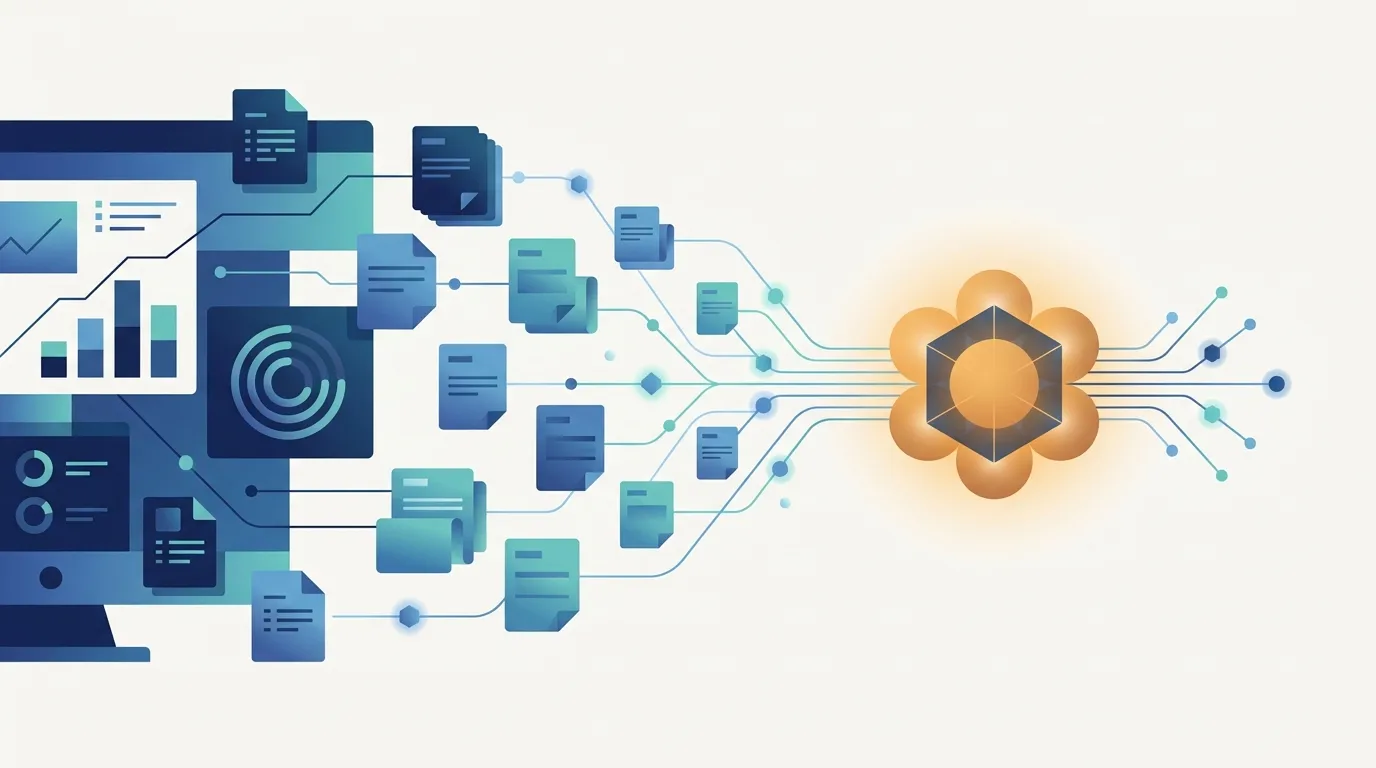
If you run a business in Indonesia, you have probably heard the word Coretax from your accountant, your tax consultant, or a supplier asking for your NPWP one more time. This article explains, in plain language, what Coretax is, who it affects, and what it means for the software you use to issue invoices and keep your books.
What is Coretax?
Coretax is the new core tax administration system of the Directorate General of Taxes (Direktorat Jenderal Pajak, DJP). Instead of a patchwork of separate applications, it brings taxpayer registration, tax invoices, reporting, and payment records into one integrated platform.
The change that matters most for daily operations: from 1 JANUARY 2025, Coretax replaced e-Faktur as the mandatory channel for issuing tax invoices (faktur pajak). If your company is a Pengusaha Kena Pajak (PKP), the way you create and report tax invoices has changed.
Who is affected?
PKP businesses that issue tax invoices to customers.
Buyers whose NPWP or NIK must appear correctly on the invoices they receive, so they can claim input tax.
Finance and accounting teams who reconcile invoices, credit notes, and periodic returns.
Anyone running custom invoicing, accounting, or ERP software that used to export data for e-Faktur.
Even if you are not PKP, your customers and suppliers may be, and they will expect clean identity data from you.
What changes for your business software
Coretax itself is a government portal. The part you control is the system that produces the data going into it. Here is what that system now needs to handle well.
1. Complete tax invoice data
Every outgoing invoice should carry the fields Coretax expects: buyer identity, transaction code, line items, tax base (DPP), and VAT amounts [CONFIRM: current required field list and transaction code format in Coretax]. If your sales module stores these loosely or in free text, errors surface at upload time.
2. Buyer NPWP and NIK as first-class data
Coretax identifies buyers by NPWP, or by NIK for individuals. Your customer master should store these as validated fields, not notes, and prompt staff when they are missing.
3. A clean break from e-Faktur exports
Many systems were built to produce e-Faktur CSV files. Those exports need to be replaced by whatever Coretax accepts for bulk upload, and historical invoice numbering needs to be reconciled so nothing is reported twice.
4. Reporting that matches what you submitted
Your general ledger and your VAT return should agree with what sits in Coretax. That means tracking invoice status (draft, approved, cancelled, replaced) inside your own system as well.
Three ways to connect
Manual entry. Staff key each invoice into the Coretax portal. Fine for a handful of invoices a month; painful beyond that.
Bulk upload. Your software exports a file in the format Coretax accepts, and someone uploads it. A reasonable middle ground for moderate volume.
Host-to-host / API integration. Your ERP talks to Coretax directly, intended for high-volume companies. It removes manual steps but needs development, testing, and monitoring.
The right option depends on invoice volume, how many people touch the process, and how much error you can tolerate.
How to prepare
Audit your customer master: how many records are missing a valid NPWP or NIK?
Map every field on your invoice to its Coretax counterpart and note the gaps.
Decide who owns the process: finance, IT, or both.
Run a parallel period where you compare your system's numbers against Coretax before relying on it.
Talk to your tax consultant. This article covers the software side only; it is not tax advice, and the rules published on pajak.go.id are the authority.
Where CodeWorks fits
We build the business systems that sit upstream of Coretax. Our Legacy ERP, for example, is a multi-tenant web ERP with Sales, Inventory, Purchases, Finance, HR / Payroll, and CRM modules, pre-configured for six verticals from F&B to manufacturing. It is exactly this kind of system where buyer data, invoice fields, and status tracking need to be modelled properly, so that tax reporting becomes a by-product of normal operations rather than a month-end scramble.
Not sure whether your current invoicing or ERP software is ready for Coretax? Get in touch and we will walk through your setup with you, no strings attached.