·6 min read
Laundry Order Tracking System for Kiloan and Satuan Laundries: Stop Lost Clothes, Weight Disputes and Unpaid Pickups
Lost shirts, arguments over kilos and bags that are never collected all come from one weak spot: what you record at the counter. Here is how to tag, weigh, track and remind, step by step.
- laundry
- order tracking
- lost items
- customer complaints
- pickup reminders
- outlet operations
- cash control
- sme
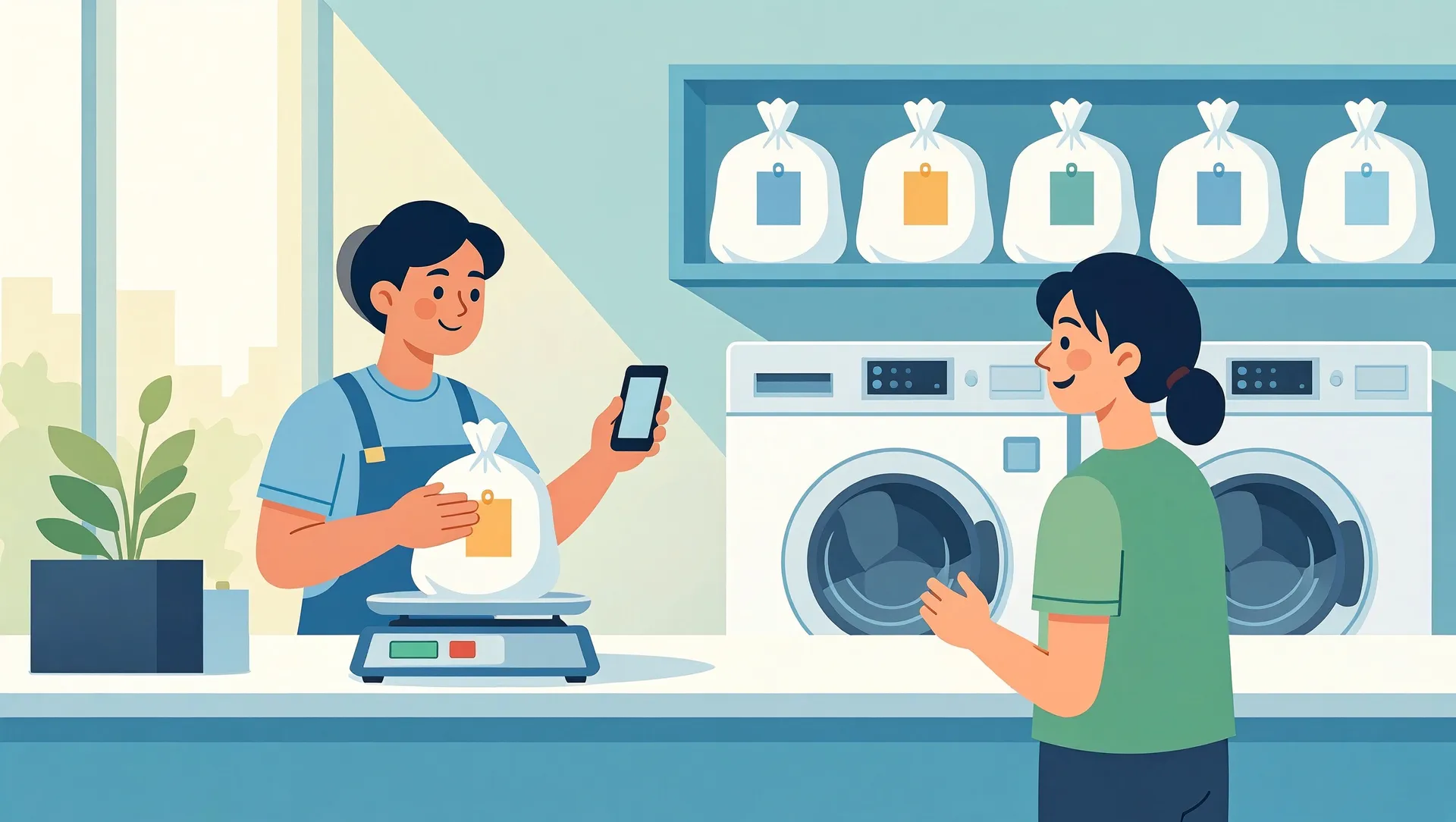
Most laundry owners know the feeling. A customer insists she dropped off 12 shirts, your staff remember 10, and nobody can prove either number. Another customer argues that 4 kg was really 3 kg. A bag of clean clothes sits on the shelf for six weeks, half paid, and nobody remembers who owns it. A laundry order tracking system fixes these problems without fancy technology. It works by recording the right facts at the right moment: what came in, how much it weighed, where it is now, and whether it has been paid for and collected.
This guide is for owners of kiloan, satuan and multi-outlet laundries. It covers what to record, how to roll it out without slowing down the counter, and what it realistically costs.
Where laundries lose money and trust
Before you choose a tool, name the leaks. In most small laundries we see four:
- Lost or swapped items. Two customers' bags get mixed up in the dryer, or a single sock or a child's school uniform goes missing. You end up paying compensation, losing the customer, or both.
- Weight disputes. In a kiloan laundry, the customer did not see the scale or remembers a different number. With no record, staff usually give in and round down.
- Unpaid and uncollected orders. Some orders marked 'pay at pickup' are never picked up. Others are picked up on a busy evening and nobody records the payment.
- Cash leakage at the counter. A handwritten nota can be torn out, rewritten or never written at all. At the end of the day the cash drawer does not match, and nobody can say why.
Each of these is small on its own. For a laundry handling 40 to 80 orders a day, together they can easily cost several million rupiah a month, plus the bad reviews.
Step 1: Tag and record every order at drop-off
Almost every later problem traces back to a weak drop-off. This step is where the system pays for itself.
Give every order a number and a physical tag
When the customer hands over clothes, staff create an order on a phone or tablet. The system generates a short order number, for example KLN-0412, and prints two things: a receipt for the customer and a tag or sticker for the bag. The tag stays with the clothes through washing, drying and ironing. For satuan items, use small fabric-safe tags or numbered safety pins on each item.
Record weight with a photo
For kiloan orders, put the bag on a digital scale that faces the customer. Then take a photo of the scale display with the bag on it, and the photo is saved with the order. If a customer later says the bag was only 3 kg, you can send the photo in seconds. Most disputes end there, and politely.
Count items and note damage
For satuan orders, and for valuable items inside kiloan orders such as jackets, batik and school uniforms, record the item count and type: 3 shirts, 2 trousers, 1 bed cover. Note visible stains, loose buttons or tears, ideally with a quick photo. This protects you when a customer says your laundry caused the stain.
Once staff are used to it, all of this should take under a minute per order. If it takes longer, the screen is too complicated, and staff will skip it on busy days.
Step 2: Track each order through wash, dry and iron
Once an order is tagged, it moves through stages. A simple status list is enough:
- Received
- Washing
- Drying
- Ironing / folding
- Ready for pickup
- Collected
Staff update the status by scanning the barcode on the tag or tapping the order on a tablet near the machines. A small team does not need every stage. Some laundries only track Received, Ready and Collected, and that alone solves most problems.
Why the middle stages matter
The middle stages show you where orders get stuck. If express orders sit in Drying for hours, you have a machine or staffing problem. They also help you keep promised times. When a customer calls to ask whether their order is done, staff can answer in seconds instead of searching the shelves.
For multi-outlet laundries
If you run several drop-off points and one central workshop, tracking becomes essential. Each order shows which outlet received it, when it went to the workshop and when it came back. When an item goes missing, you know which handover to check instead of blaming everyone.
Step 3: WhatsApp 'ready' messages and the unpaid list
Automatic pickup messages
When an order reaches Ready, the system sends the customer a WhatsApp message with the order number, the total, the amount still owed and your opening hours. Customers come sooner, and fewer bags pile up. A gentle reminder after 3 days and another after 7 days handles most forgetful customers. Keep the tone friendly. These are your regulars, not debtors.
There are two ways to send these messages:
- Semi-manual (cheapest): the app opens WhatsApp with the message already filled in, and staff tap send.
- Fully automatic: the app uses the official WhatsApp Business API through a provider, which charges a small fee per message on top of a monthly subscription.
For most single-outlet laundries, semi-manual is enough.
See unpaid and uncollected orders at a glance
The most valuable screen for an owner is a simple list of two kinds of orders: ready but not collected, and collected but not fully paid, sorted by age. Check it every week. You will probably find money you did not know you were owed.
Close the cash leak
Every order has a number and a price recorded at drop-off. That means the daily report shows what should be in the drawer, split by cash, QRIS and bank transfer. If cash is short, you can see which orders were marked as paid. Staff also know the numbers are visible, and that alone reduces 'mistakes'.
What it costs and how to start
Buy or build
For most laundries, a ready-made laundry app is the right first step. In Indonesia, subscriptions typically cost about Rp50.000 to Rp300.000 per outlet per month. You will also need:
- a thermal printer, roughly Rp300.000 to Rp700.000
- a decent digital scale
- an Android phone or tablet, which you probably already have
A custom system makes sense in three situations: you run several outlets with a central workshop, you have hotel or corporate contracts with special billing, or you need the system connected to your accounting. A custom build typically starts in the tens of millions of rupiah, plus ongoing maintenance. Only go custom if off-the-shelf apps clearly cannot do what you need.
A realistic rollout
- Week 1: set up prices, services and the receipt layout. Train staff on drop-off only.
- Week 2: add weight photos and item counts, and start sending ready messages.
- Weeks 3 to 4: add stage tracking, and start checking the unpaid list every week.
Staff who are used to paper nota may push back. Explain that the photos and records protect them too. When a customer accuses the counter staff, the record settles it.
Your next step
Start with one change this week: weigh every kiloan order in front of the customer and photograph the scale. If you want help choosing a laundry app, or you run several outlets and are wondering whether a custom system is worth it, contact CodeWorks for a free review of your current workflow. If an existing app is enough for you, we will say so.