·3 min read
What Is ERP and Does Your Business Need One?
ERP explained in plain words: the core modules, how it differs from accounting software and POS, the signs your business is ready, and the rollout mistakes to avoid.
- erp
- software bisnis
- inventory
- keuangan
- digitalisasi
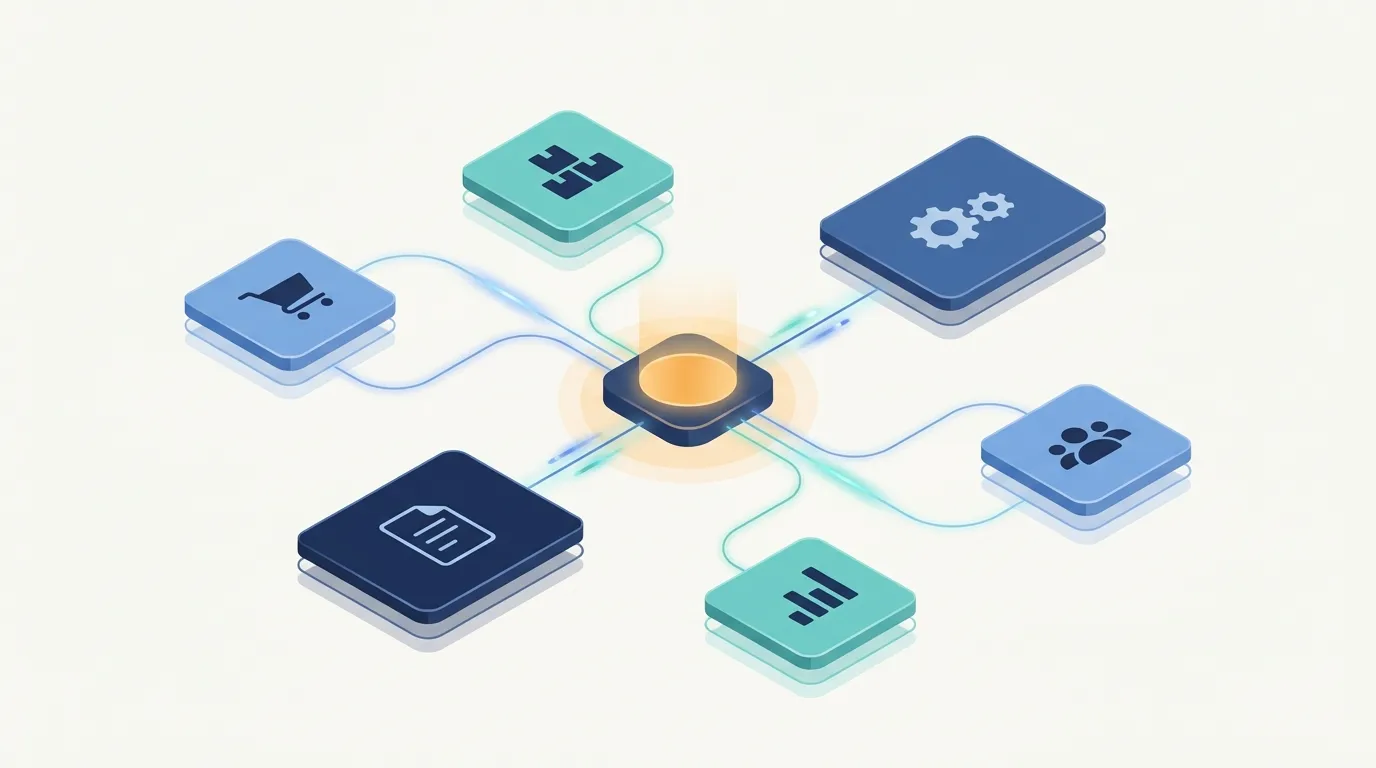
If you run a growing business in Indonesia, you have probably heard someone say "you need an ERP". It sounds expensive and complicated. In practice, the idea behind it is simple, and knowing whether you actually need one can save you a lot of money either way.
What is ERP, in plain words?
ERP stands for Enterprise Resource Planning. Strip away the jargon and it is one system where every department records its work in the same place. A sale entered by the shop floor reduces stock, creates a receivable in finance, and shows up on the owner's dashboard, without anyone re-typing it into a second spreadsheet.
That single shared record is the whole point. Instead of five disconnected tools and a WhatsApp group tying them together, you get one source of truth.
The core modules
Most ERPs are built from the same handful of building blocks:
- Sales — quotations, orders, invoices, and customer history.
- Purchasing — purchase orders, supplier records, and goods receipts.
- Inventory — stock levels per warehouse or branch, movements, and reorder alerts.
- Finance — journals, payables and receivables, and financial reports.
- HR and payroll — employee data, attendance, and salary runs.
Many systems add CRM and analytics dashboards on top. The key is that these modules talk to each other automatically.
ERP vs accounting software vs POS
This is where most confusion starts, because the three overlap.
- Accounting software records money after the fact. It is excellent at the general ledger and tax reports, but it does not know how many units sit in your second warehouse.
- POS (point of sale) handles the moment of the transaction at the counter. It is fast and simple, but it usually stops at the register.
- ERP connects the operational flow before the money moves: the purchase order, the stock receipt, the production step, the delivery, and only then the invoice.
Plenty of businesses run happily on accounting software plus a POS. ERP becomes relevant when the gap between those two tools starts costing you time.
Signs your business is ready
- You operate more than one branch. Each branch keeps its own records and head office consolidates by hand.
- Stock lives in several places. Warehouse, outlets, and consignment stock never quite agree with each other.
- Month-end closing takes weeks. Finance spends the first half of the month chasing data from other teams.
- Tax reporting is painful. Preparing figures for Coretax and periodic filings means stitching together exports from multiple systems.
- You cannot answer basic questions quickly. "What is our margin on this product line this quarter?" should not require a two-day project.
If three or more of these sound familiar, you are likely past the point where spreadsheets scale.
Ready-made or custom ERP?
Ready-made ERP is faster to start and cheaper up front, and it suits businesses whose processes are fairly standard. Custom ERP fits businesses with a workflow that off-the-shelf tools fight against, such as unusual production steps, specific approval chains, or industry rules.
A practical middle ground is a web ERP that is pre-configured for a vertical. Our Legacy ERP is one example: a multi-tenant web application with role-based access across Sales, Inventory, Purchases, Finance, HR / Payroll, and CRM, configured out of the box for six verticals (Food & Beverage, Garment & Textile, Retail, Manufacturing, Services, and Hospitality). It supports branch switching with roles scoped per branch and a four-tier role system of Staff, Manager, Admin, and Owner, all without installing desktop software or maintaining your own servers.
Typical rollout mistakes
- Buying before mapping the process. If nobody can draw how an order flows today, the system will encode the confusion.
- Migrating dirty data. Duplicate customers and inconsistent product codes will follow you into the new system.
- Going live everywhere at once. Start with one branch or one module, then expand.
- Skipping role setup. Giving everyone admin access defeats the controls you are paying for.
- Treating training as optional. The system only works if the people entering data trust it.
Not sure which path fits your business? Talk to the CodeWorks team and we will help you map your process before you commit to any system.